
Neosoft NILRT Firewall Tools
Secure your NI Linux RT systems and control your network communications
NI Linux Real-Time embedded systems are often deployed in environments where network connectivity is essential. Test benches, control systems, industrial equipment, and validation platforms need to communicate with their surroundings while restricting unauthorized access.
Neosoft NILRT Firewall Tools simplifies firewall configuration on NI Linux RT targets. Through an interactive interface and configurable rules, you can control authorized connections, add custom network exceptions, and strengthen equipment protection without manually managing complex firewall rules.
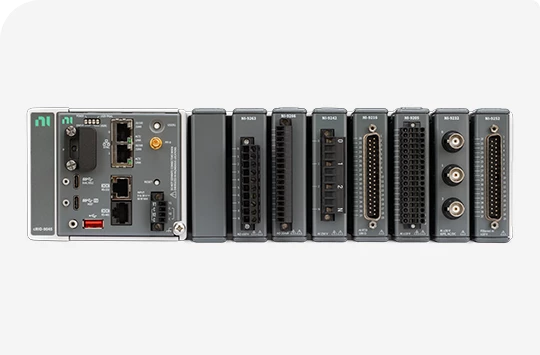
A Firewall Designed for NI Linux RT Environments
In industrial systems and test benches, network communications are essential for application operation, monitoring, and maintenance. However, every accessible service and open port can increase network exposure when it is not required.
NILRT Firewall Tools follows a straightforward principle: block unauthorized connections and allow only the access that is required.
Designed for NI Linux RT environments, the tool provides guided configuration based on NI product names. This makes it easier to identify applications and services that need access while preserving the flexibility to add rules for specific project requirements.

Why Use Neosoft NILRT Firewall Tools?
Configuring a firewall on an embedded system can require detailed knowledge of system services, network protocols, and filtering rules. An incomplete or inappropriate configuration may block essential communications or leave unnecessary access open.
NILRT Firewall Tools helps technical teams:
Reduce network exposure by restricting authorized connections.
Simplify firewall configuration through an interactive interface.
Identify and authorize applications required in NI environments.
Add TCP and UDP exceptions, including custom ports.
Configure port ranges for supported advanced use cases.
Use MAC address filtering as an additional control.
Integrate network filtering into a broader cybersecurity strategy.

Key Features
Controlled Network Filtering
NILRT Firewall Tools allows connections that have not been explicitly authorized to be blocked. This approach helps restrict network access to the services required for system operation.
Rules should be adapted to each target’s architecture to preserve essential application, monitoring, and maintenance communications.
Simplified Interactive Configuration
The tool provides an interactive interface that guides users through firewall rule configuration. A list of common applications and services, including those used in NI environments, simplifies the selection of permitted communications.
The goal is to reduce the need to manipulate complex filtering rules directly while maintaining control over the final configuration.
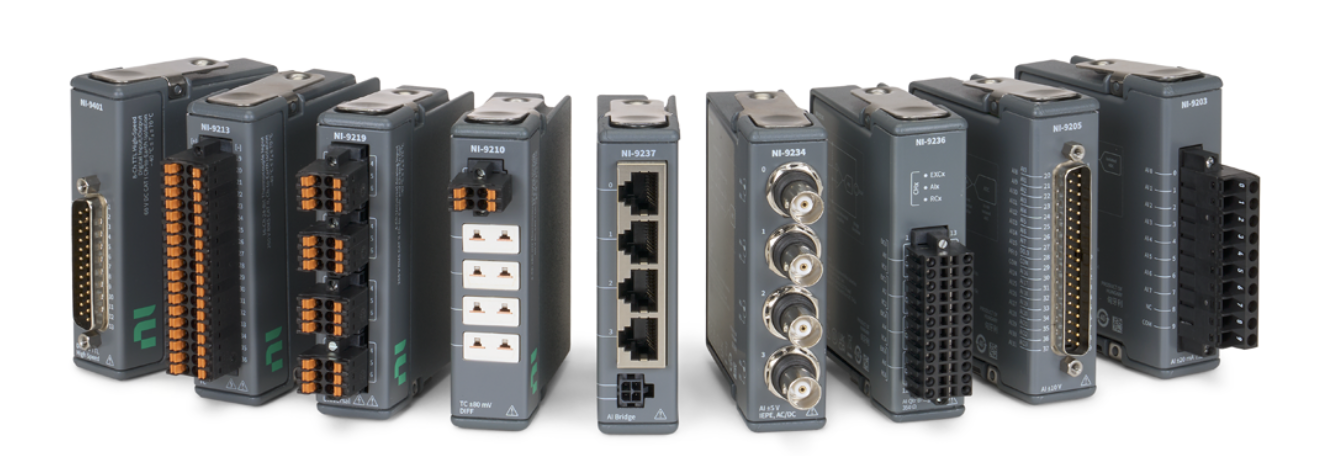
TCP and UDP Exception Management
Some applications require specific communications that are not included in the initial configuration. NILRT Firewall Tools allows users to add TCP and UDP exceptions, including custom ports and supported port ranges.
This flexibility helps adapt firewall rules to the protocols used by test, control, and data acquisition applications.
MAC Address Filtering
MAC address filtering adds a control criterion based on a network interface’s hardware address. Depending on the architecture, this feature can complement other filtering rules.
It does not replace the additional security measures required to protect network communications.

How Does NILRT Firewall Tools Work?
The tool is designed to simplify network rule configuration on NI Linux RT targets.
The configuration process involves the following steps:
Install the tool: Install the compatible package on your NI Linux RT target using the procedure applicable to your environment.
Select applications and services: Identify the communications required by your system through the interactive interface.
Configure exceptions: Add the required TCP or UDP ports and supported port ranges.
Configure filtering: Define rules suited to your architecture, including MAC address filtering where required.
Apply and validate: Apply the configuration, then verify that permitted communications work correctly and unnecessary access is blocked.
Depending on the product version and distribution method, installation may be performed using an .ipk package or the Neosoft repository.
Before applying rules to a production system, review all communication requirements and plan a maintenance access method to avoid blocking an essential service.
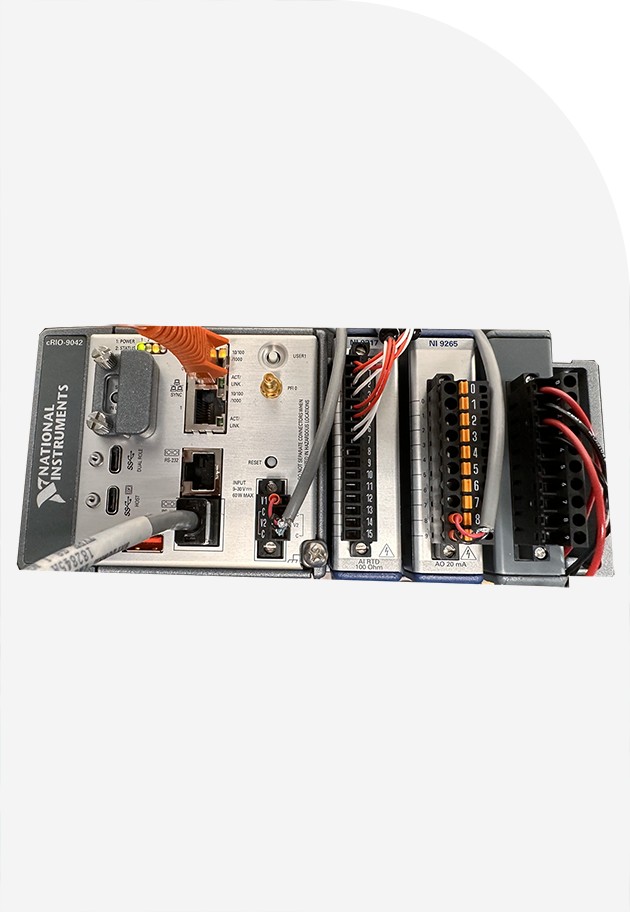
Designed for Embedded Systems and Test Benches
NILRT Firewall Tools is intended for teams developing, deploying, or maintaining NI Linux RT systems that require controlled network access.
Potential applications include:
Automated test benches.
Control and data acquisition systems.
Embedded equipment connected to industrial networks.
Validation and research and development platforms.
Systems requiring precise control over communications between devices.
By providing a structured approach to firewall configuration, the tool helps teams incorporate network security earlier in the development cycle and maintain rules suited to operational requirements.
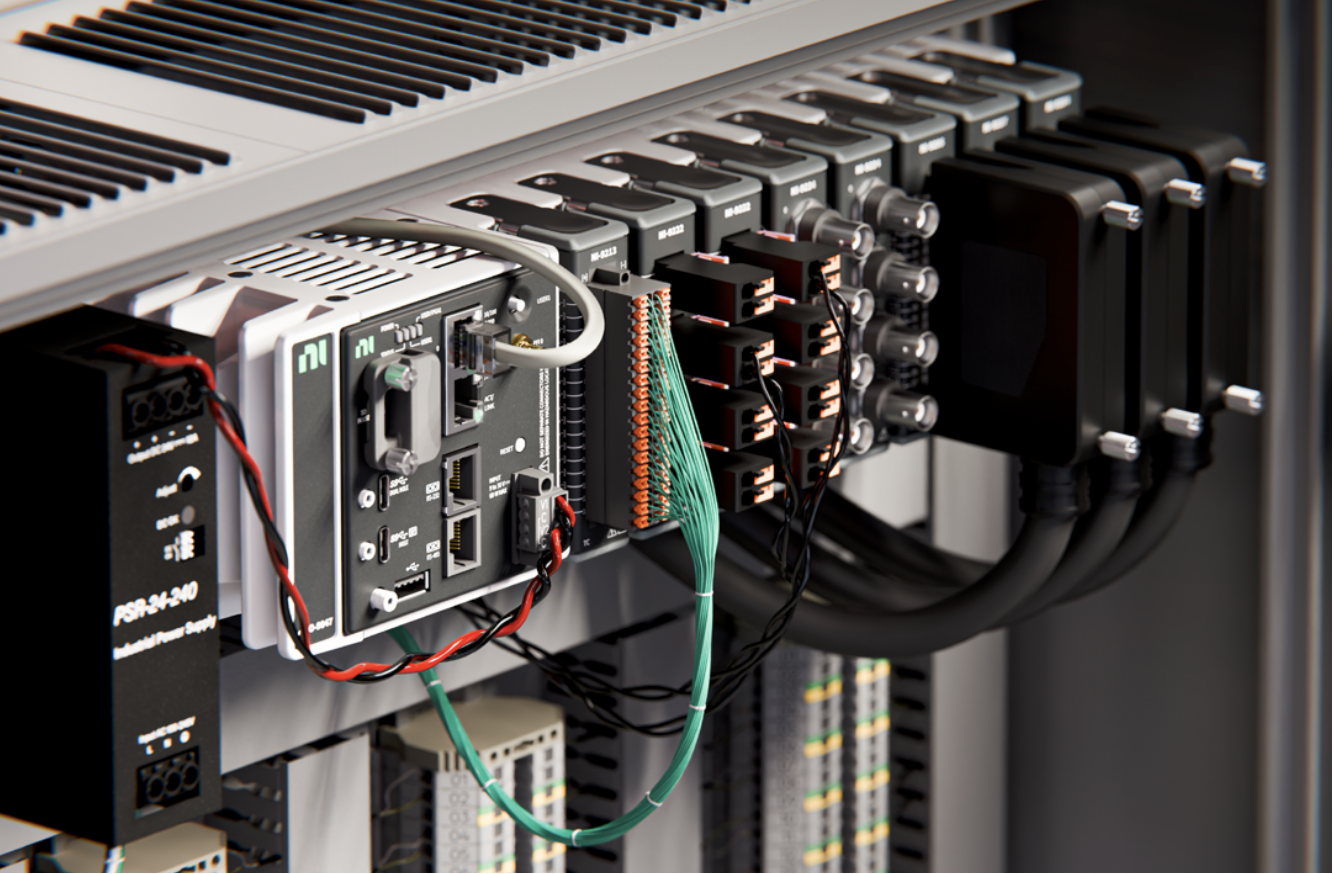
Network Security and NIST SP 800-171 Requirements
Controlling network connections can contribute to implementing relevant protection measures as part of a cybersecurity strategy.
NILRT Firewall Tools is presented as a tool that can help address certain requirements associated with NIST SP 800-171, particularly through connection control and restricted network access.
However, using this product does not, by itself, guarantee compliance with the standard. Compliance depends on the full set of technical, organizational, and documentation controls applicable to the organization and its environment.
A License Associated with Each Target
Under the intended NILRT Firewall Tools licensing model, each installation requires a license associated with the target’s serial number.
This mechanism helps control deployment across the relevant equipment. Activation, renewal, and license transfer conditions should be verified against the terms applicable to the product version.

Complement Your Security Strategy with NILRT WireGuard Tools
Controlling network access and securing remote communications address complementary requirements.
Neosoft NILRT WireGuard Tools simplifies the configuration of encrypted VPN tunnels between compatible NI Linux RT devices. It supports the implementation of secure communication architectures for remote maintenance, system interconnection, and communication between sites.
Explore NILRT WireGuard Tools to learn more about VPN connectivity options for your environment.

Benefits for Technical and IT Teams
Simplified firewall configuration for NI Linux RT environments.
Control over authorized connections based on application requirements.
Management of TCP and UDP exceptions and custom ports.
An additional filtering option through MAC addresses.
An approach suited to industrial embedded systems and test benches.
Better integration of network access control into a cybersecurity strategy.

Need to Secure Your NI Linux RT Targets?
Every system has its own communication, maintenance, and security requirements. The Neosoft team can help assess your architecture and identify the firewall configuration requirements relevant to your project.

Frequently Asked Questions: Neosoft NILRT Firewall Tools
.ipk package or the Neosoft repository. Follow the procedure applicable to your target and NI Linux RT version.